> For the complete documentation index, see [llms.txt](https://help.konnektive.com/llms.txt). Markdown versions of documentation pages are available by appending `.md` to page URLs; this page is available as [Markdown](https://help.konnektive.com/konnektive-crm/admin-setup/plugins/chargeback-management/midigator.md).
# Midigator
> *"Midigator is a chargeback and fraud technology platform that mitigates risk and recovers lost revenue. It provides real-time merchant account monitoring and fights chargebacks to win revenue back. Its comprehensive, user-friendly analytics enables businesses to take preemptive action against chargebacks and keep their merchant accounts healthy and profitable."*
### Enabling Midigator
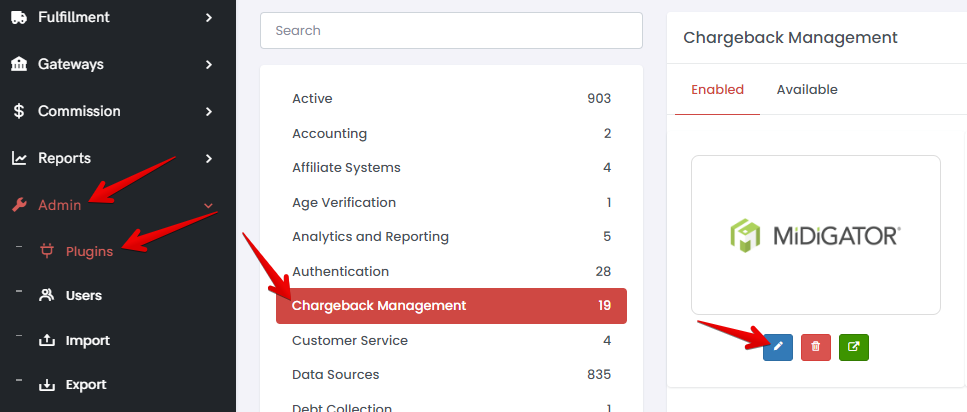
1\) Pick the **Admin** section from the navigation sidebar.
2\) Go to the **Plugins** page (Admin->Plugins)
3\) Pick the **Chargeback Management** tab.
4\) Click on the **Midigator** tile.
5\) Click **+ Activate**.
6\) Fill in your **username** and **company\_key** (company\_token) that you got **from Midigator** and click **Connect**.